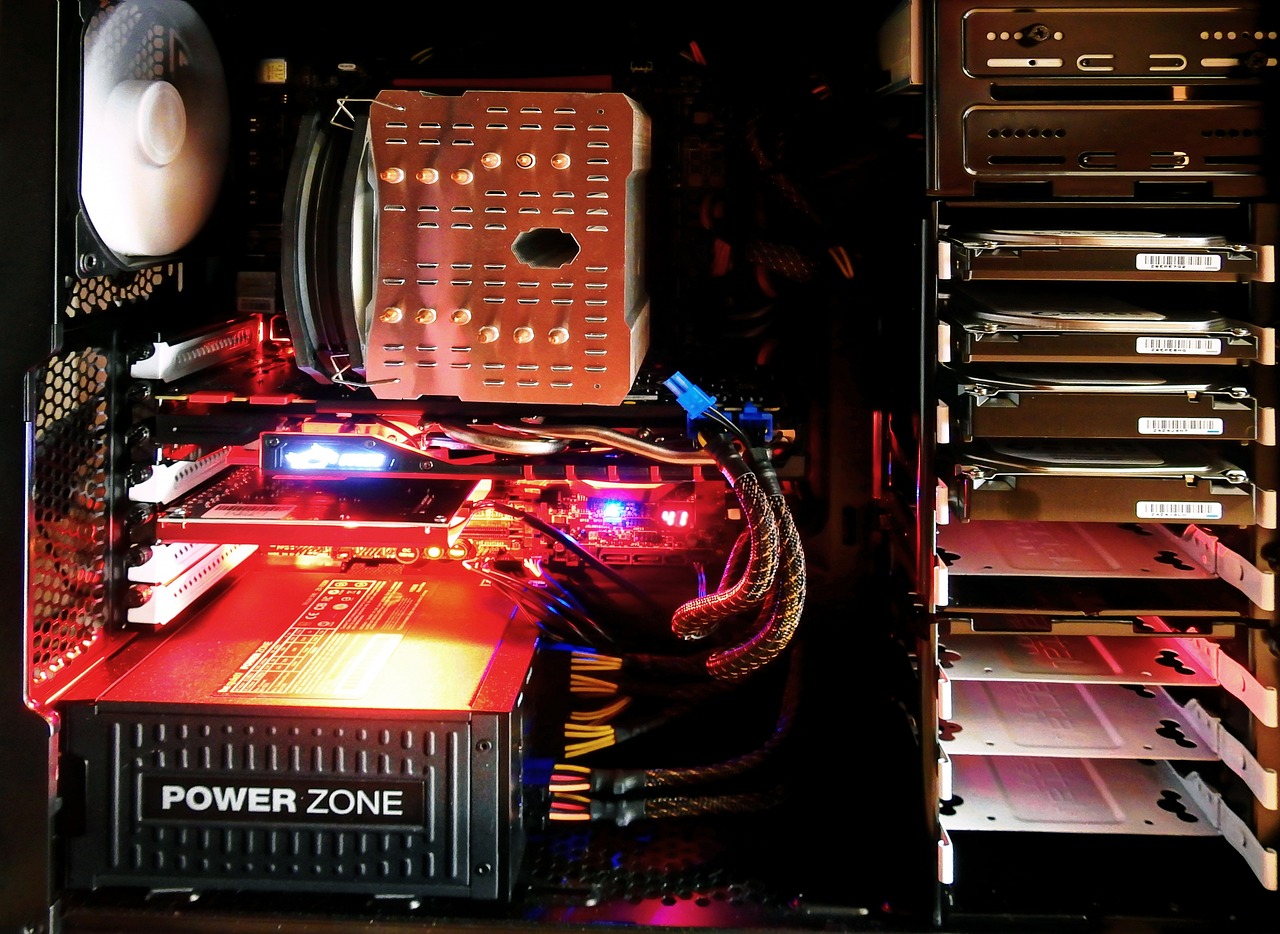
Start by preparing a clean, static-free workspace. Install the CPU onto the motherboard carefully, then attach the CPU cooler and insert your RAM sticks. If you're using an M.2 SSD, install it now too. Then mount the motherboard into your case, making sure it lines up with the standoffs and the I/O shield.
Next, add your GPU and plug in your power supply cables. Make sure all your connections are firm. Add any case fans, and tidy up your cables for better airflow. Finally, connect a monitor and keyboard, power it on, and check your BIOS to make sure everything is detected. If so, congrats — you’ve just built a working PC!